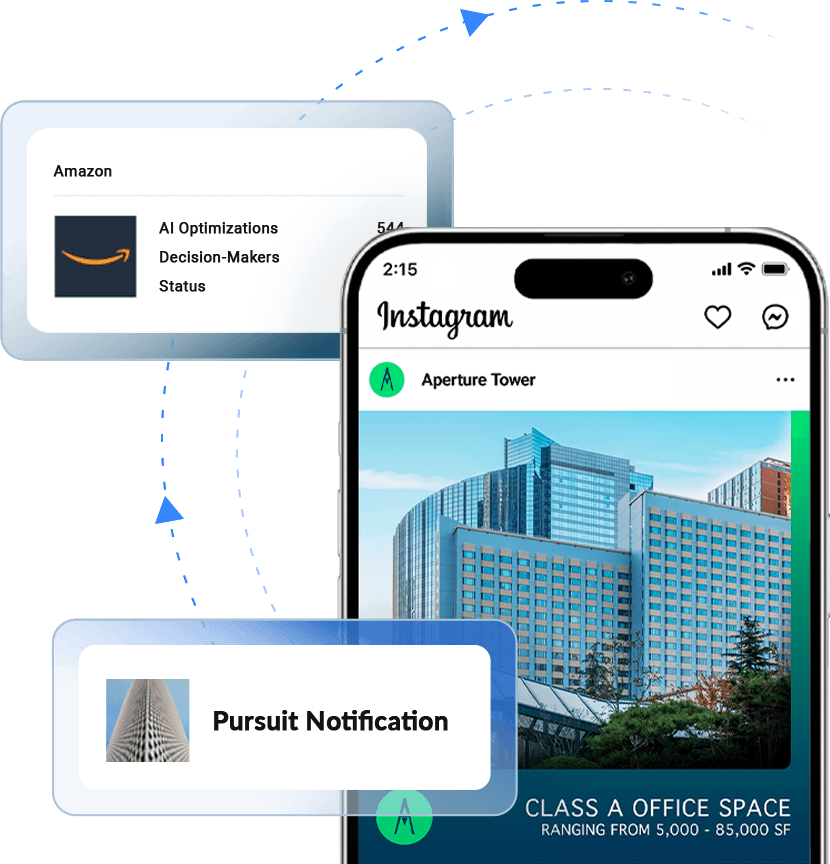
For most commercial real estate teams, the people who matter most — the tenant evaluating a relocation, the broker shortlisting buildings for a tour, the corporate real estate lead pressure-testing a market — visit your website long before they ever pick up the phone. They show up, they research, and they leave without identifying themselves.
Conventional analytics tells you that traffic happened. The Insights Tag tells you who it was.
What the Insights Tag Is
The Insights Tag is a lightweight piece of code you install once on your property website. From that moment forward, it watches for visitors, builds a quiet signature of each device that lands on your pages, and works to match that signature against the identity data RealtyAds maintains as part of its advertising operations. When a match clears our confidence threshold, the visit surfaces in your Website Analytics — typically with the firm, often with the individual, and in the strongest cases with decision-maker contact information.
Here’s how that happens, step by step.
Step 1: Device Fingerprinting
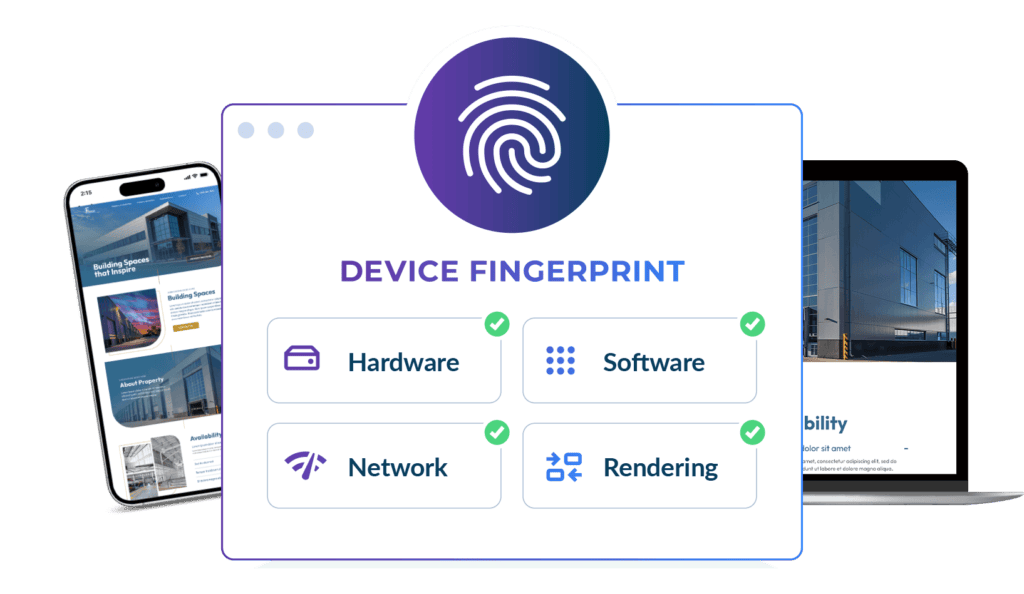
When a browser loads a page on your site, it quietly broadcasts a surprising amount of information — not personal information in the conventional sense, but technical detail about the device making the request. The Insights Tag captures a snapshot of that detail and compresses it into what’s known in the industry as a device fingerprint.
A device fingerprint is built from signals like:
- Hardware characteristics — screen resolution, GPU model, CPU class
- Software configuration — operating system, browser version, language settings, time zone, installed fonts
- Network attributes — IP address, connection type, approximate geolocation
- Rendering signatures — subtle differences in how a device draws graphics under the hood
No single one of these is unique. Taken together though, they form a signature distinctive enough to recognize the same device when it returns, and — critically — to match it against other places that same device has been seen.
This is different from cookies. Cookies sit on a device and can be cleared, blocked, or expired. A device fingerprint is observed server-side and doesn’t depend on anything stored locally, which is why fingerprinting continues to work even if the industry moves away from third-party cookies.
Step 2: Matching Against RealtyAds Advertising Data
This is the step that separates the Insights Tag from generic website analytics.
RealtyAds runs targeted advertising campaigns across the commercial real estate ecosystem — to tenants, to brokers, to decision-makers at firms with active or upcoming requirements. Doing that at scale means we maintain a substantial and continuously refreshed database of who’s who in CRE, their contact information, job titles, locations, and the devices those people actually use.
When the Insights Tag captures a fingerprint on your website, we check it against that database. If the same device has been observed inside our advertising data — and the match clears our certainty threshold — we know who the visitor is, where they work, and frequently how to reach them.
The result is a visit record that is actually actionable: a named firm, often a named person, sometimes a verified email — instead of an IP address and a guess.
Step 3: What You See
In your Visitor Intelligence feed, each identified visit shows up with:
- The firm and, where available, the individual
- The pages they visited
- Repeat visit history, so you can spot intent building over multiple sessions
- A Certainty Score that tells you how confident we are in the identification of each person
That last item is worth explaining on its own.
A Note on Accuracy: How to Read the Certainty Score
No identification system is right 100% of the time, and we’d rather be honest about that than pretend otherwise. Sometimes you’ll see a visit attributed to a contact at a firm and think, that person wouldn’t be on our site — and occasionally you’ll be right. This is why we grade everyone from 0-5 in terms of certainty.
A few things are worth knowing about how this works in practice:
- Devices are shared, reused, and inherited.
A laptop changes hands. A spouse uses the same home network. A consultant uses a client’s machine. Fingerprints capture the device, not the soul behind it, and the most likely match is not always the actual visitor. - We only report likely visitors.
Unlike vendors that infer interest from ad impressions or look-alike modeling, we surface a contact only when there is a real session on your site associated with a matched device. Nothing in your feed is synthetic. - The Certainty Score is the disclosure.
The stronger the device fingerprint and the cleaner the match to our database, the higher the certainty score. A high-certainty match is one where the device signature is rich, recently observed, and tied to identity data we have multiple independent reasons to trust. A lower-certainty match still represents a real visit from a real device — we are simply being transparent that the person attached to it is our best inference, not a guarantee. - In aggregate, this is the most accurate visitor identification available in commercial real estate.
Across the sessions we resolve every month, the methodology lands on the right firm the vast majority of the time, and on the right person at a rate no other CRE-specific solution matches. The right way to use the data is the way a good broker uses any signal: treat the high-certainty matches as warm leads worth a tenant or broker conversation, and treat the lower-certainty matches as context worth knowing but not worth acting on blindly.
Why This Matters for Lease-Up
The teams that win competitive lease-up processes are the ones who know who is interested before their competitors do, when to engage those prospects, and how to shape their follow-up throughout the deal. The Insights Tag, installed once and running quietly in the background, gives leasing teams something the rest of the market does not have: a continuously updating list of the firms and decision-makers actively researching their buildings, plus insights into those firms’ interests via the pages they visited.
If you have already installed the Insights Tag, you are already collecting this data. If you have not, the install is a single line of code, and your account team can have it live on your site this week.